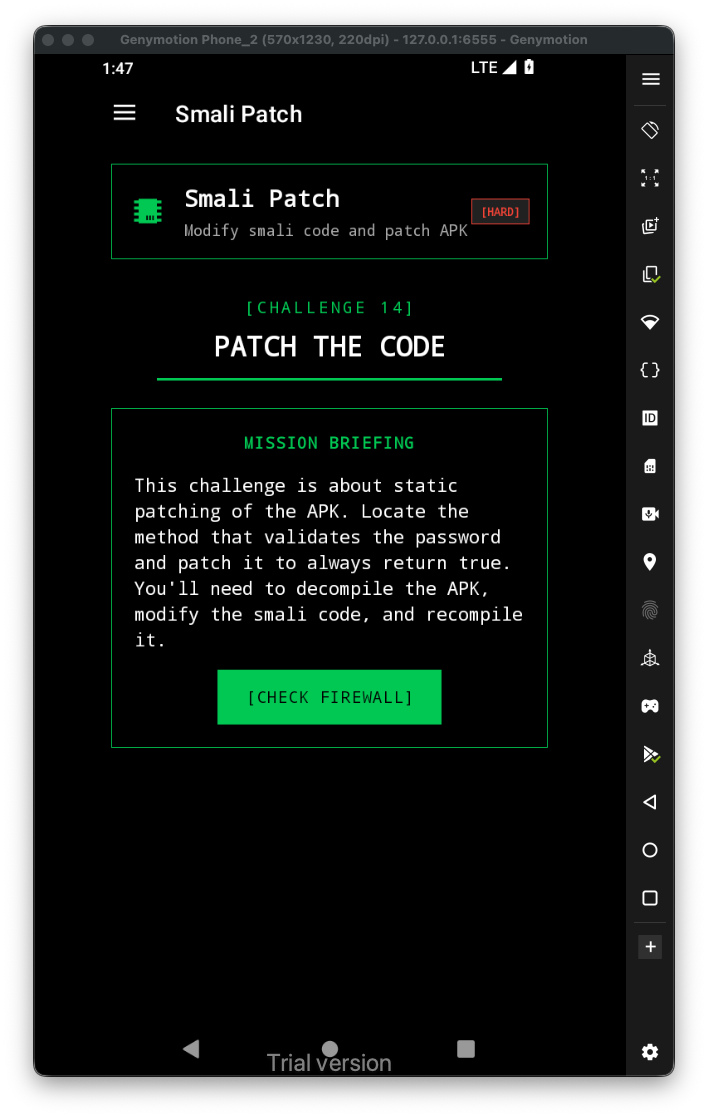
Let’s first have a look at the challenge:
This is the code in java:
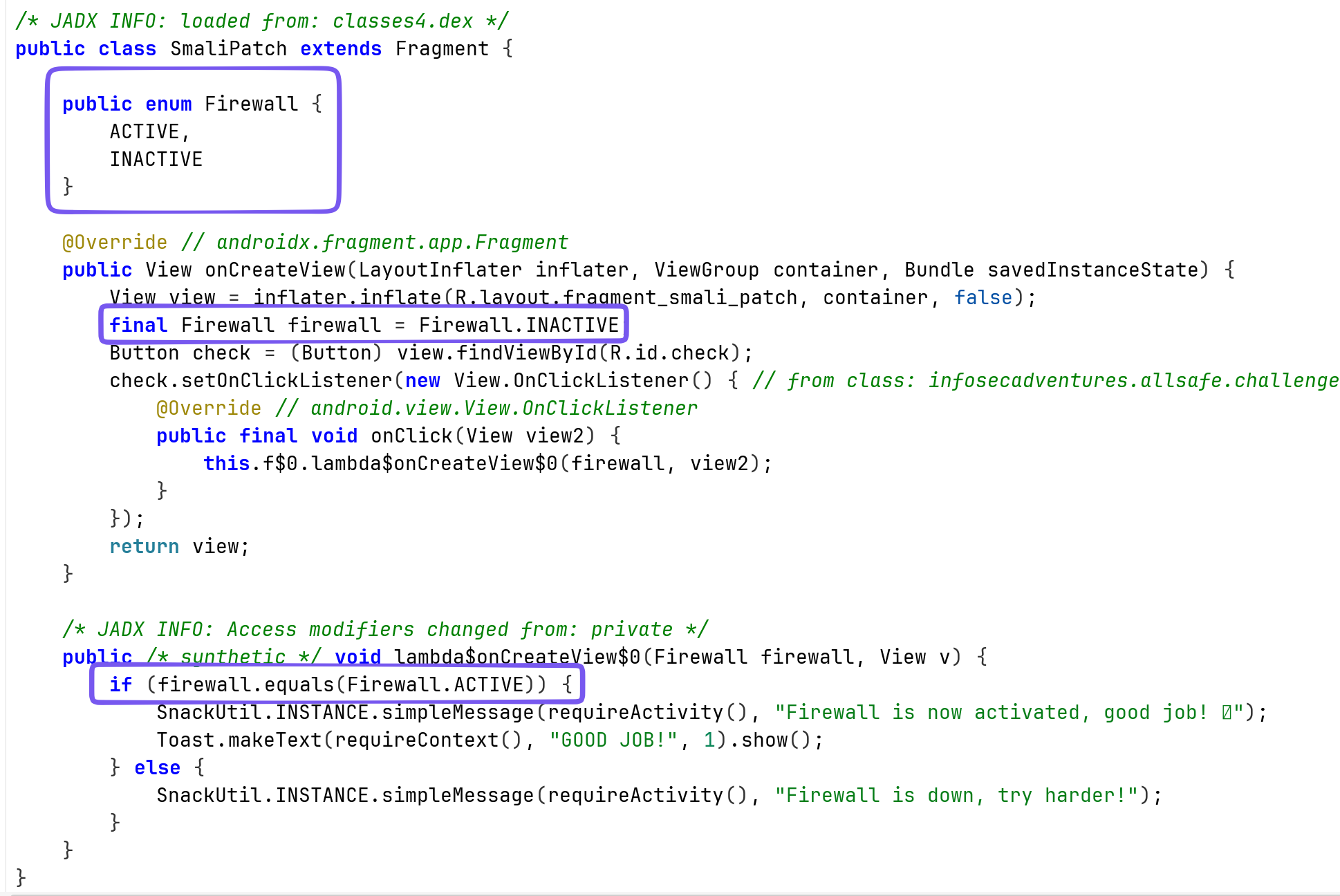
It sets the Firewall to INACTIVE, and then checks if it ACTIVE.
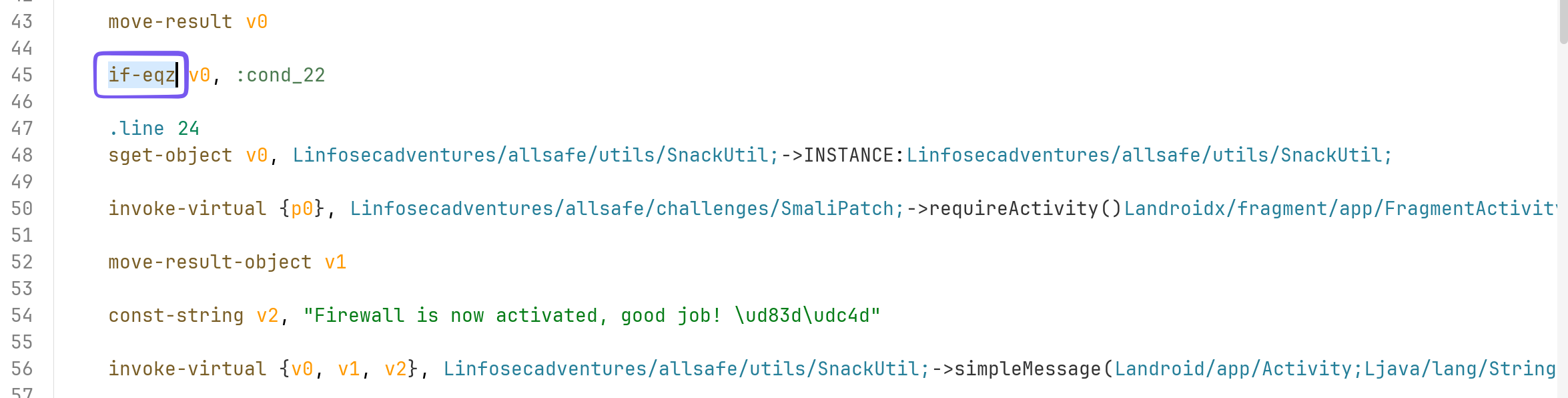
In the smali code, we can do 2 things:
- Change the
if-eqz, toif-ne, and then the check will pass
- Change the value of firewall from
INACTIVEtoACTIVE

I want to change the INACTIVE to ACTIVE.
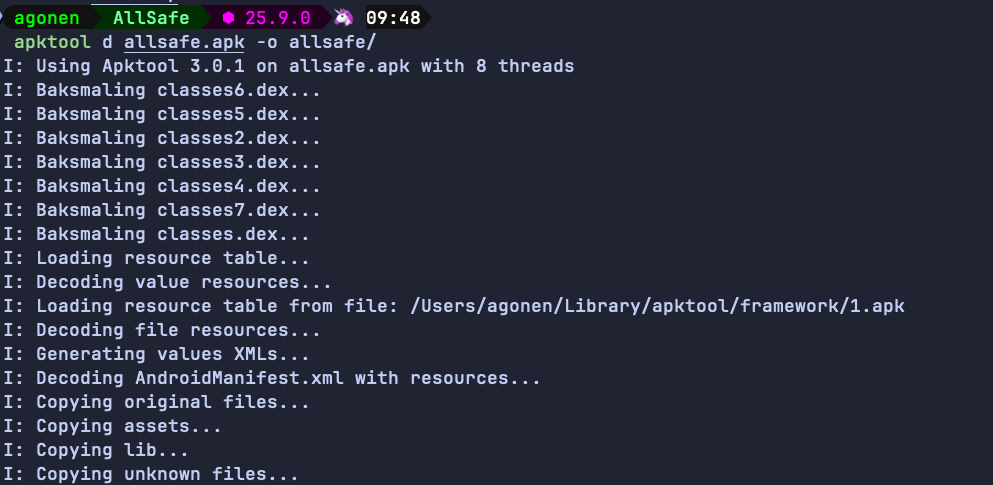
So, first step is to decompile the apk:
apktool d allsafe.apk -o allsafe/
Then, we want to find the smali file of the class SmaliPatch:

So, let’s edit this file:

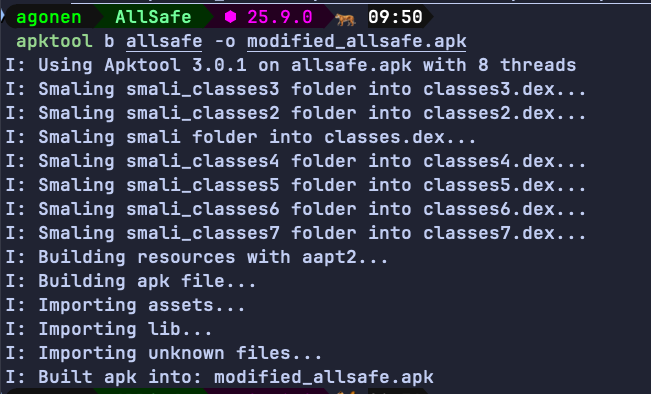
I changed it to ACTIVE, and saved the file. Now, we need to compile the data back into apk, align the apk and sign it.
apktool b allsafe -o modified_allsafe.apk
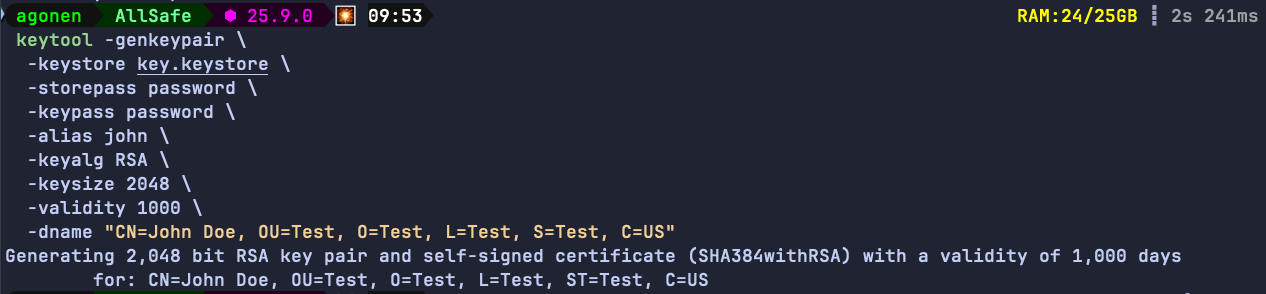
Now, create the keystore for the application signing:
keytool -genkeypair \
  -keystore key.keystore \
  -storepass password \
  -keypass password \
  -alias john \
  -keyalg RSA \
  -keysize 2048 \
  -validity 1000 \
  -dname "CN=John Doe, OU=Test, O=Test, L=Test, S=Test, C=US"
Then, we need to align the apk, before we sign it. Notice we’ll use tools from the android sdk, they can be located at ~/Library/Android/sdk/build-tools/<version>/.
~/Library/Android/sdk/build-tools/37.0.0/zipalign -p -f -v 4 modified_allsafe.apk allsafe_aligned.apk
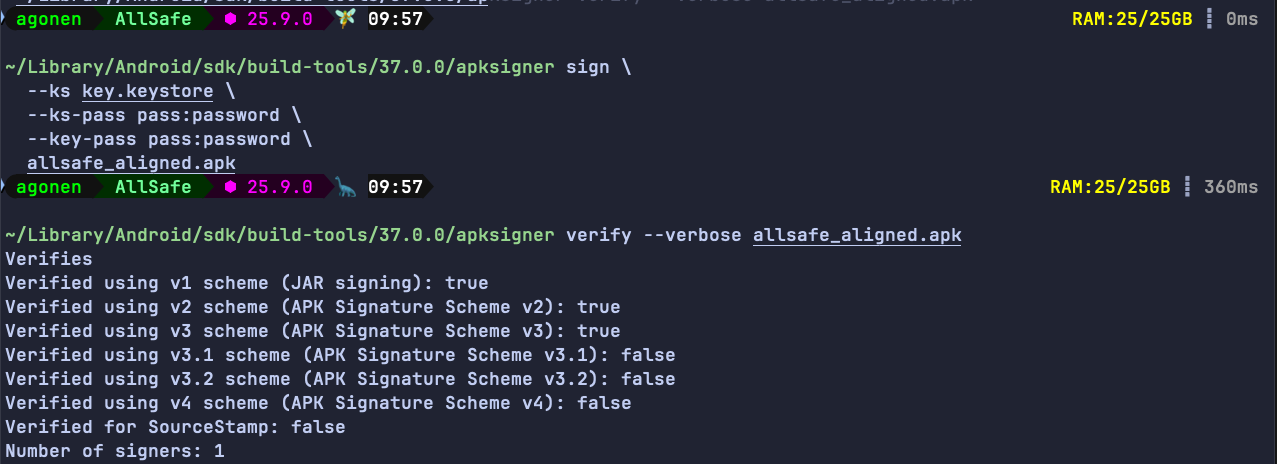
Next, we need to sign the aligned apk:
~/Library/Android/sdk/build-tools/37.0.0/apksigner sign \
  --ks key.keystore \
  --ks-pass pass:password \
  --key-pass pass:password \
  allsafe_aligned.apk
We can verify that this apk is actually signed:
~/Library/Android/sdk/build-tools/37.0.0/apksigner verify --verbose allsafe_aligned.apk
Finally, let’s install this apk, after uninstalling the original apk:
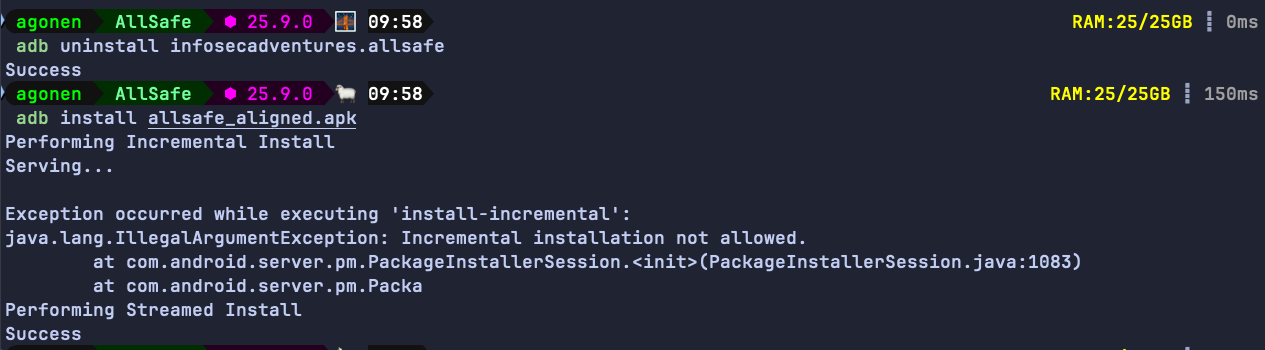
Will it work?
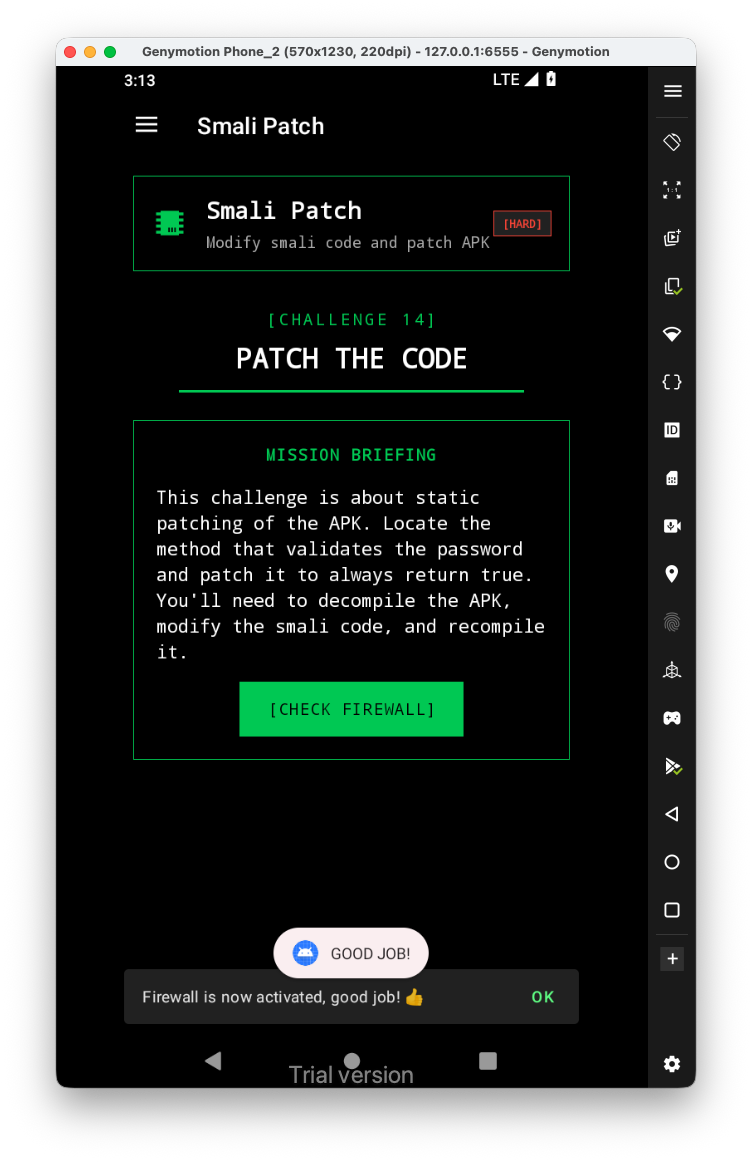
Yep, it worked :D